
Having an Enterprise Architecture Management system to manage IT landscapes and transformations is key if your organization has reached a complexity where Excel is not the right tool anymore.
There are many automations existing how to feed data into LeanIX, such as Applications from a CMDB (ServiceNow) or Systems from SAP Cloud ALM as part of the SAP Integrated Toolchain.
But how about Interface Fact Sheets? How do they get created, updated so they can be used to support as-is analysis and target architecture planning?
This article shows the existing options (9) and why there is some complexity behind:
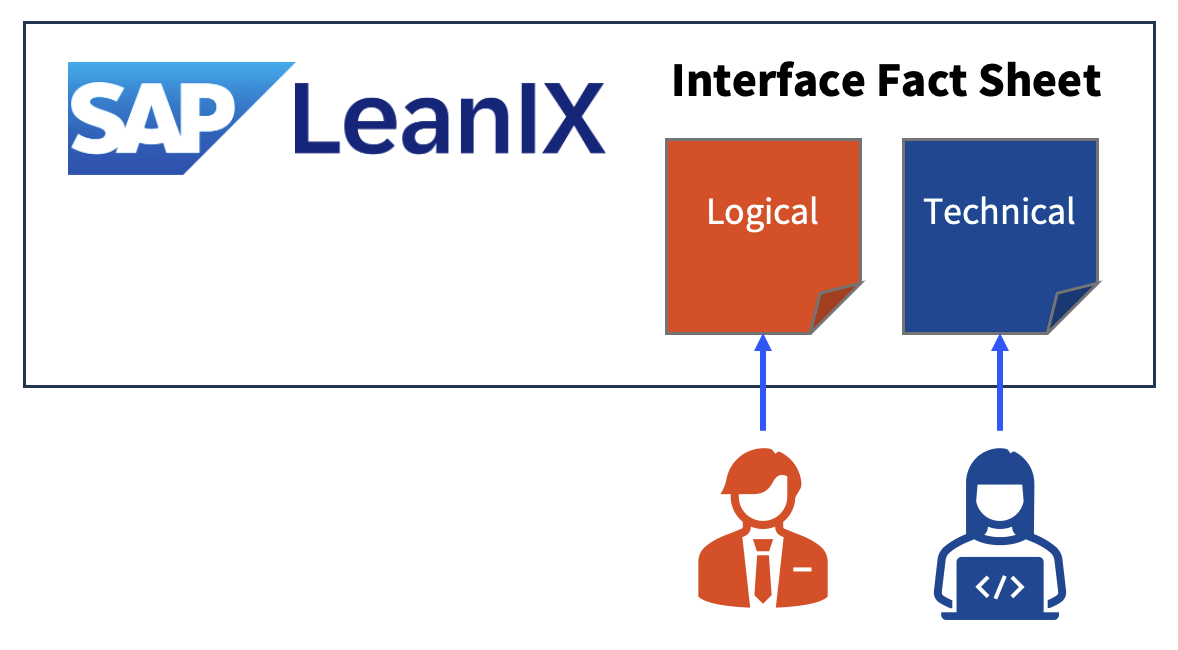
1. Manual Create / Update (one-by one)
- Logical interfaces (without technical details) are created by business users
- Technical interfaces (incl. technical details) can be created by integration experts (not very realistic)
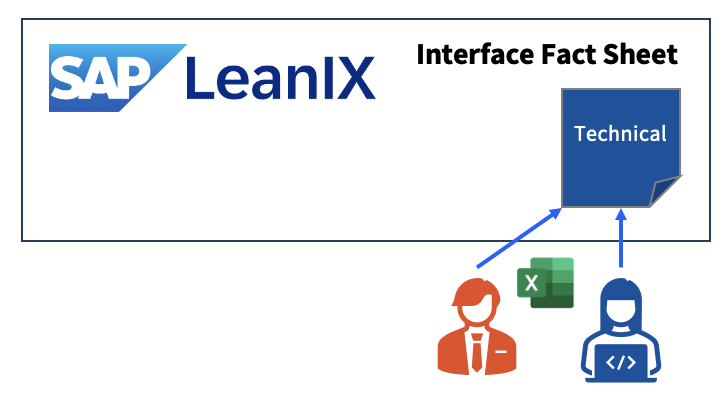
2. Bulk Import (Create) from existing file (e.g. Excel)
- Bulk create as a one-time migration, e.g. using the results of the Migration Assessment of SAP Integration Suite (PIMAS) or SAP Readiness Check results. This needs to follow the LeanIX import format, thus it can be seen as a manual activity as well.
- This typically applies to Technical Interfaces only, Logical Interfaces would have to be created manually
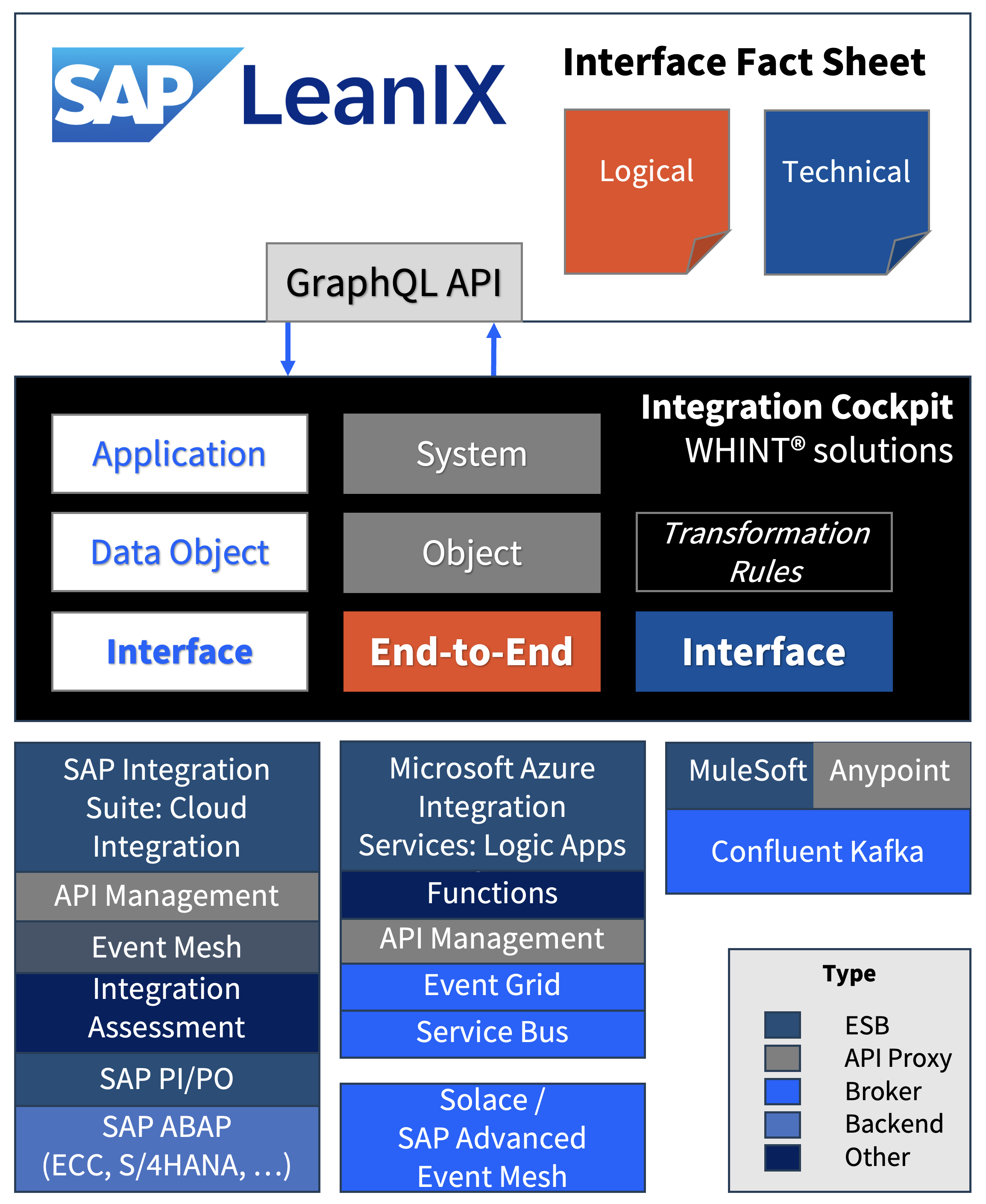
3. GraphQL API
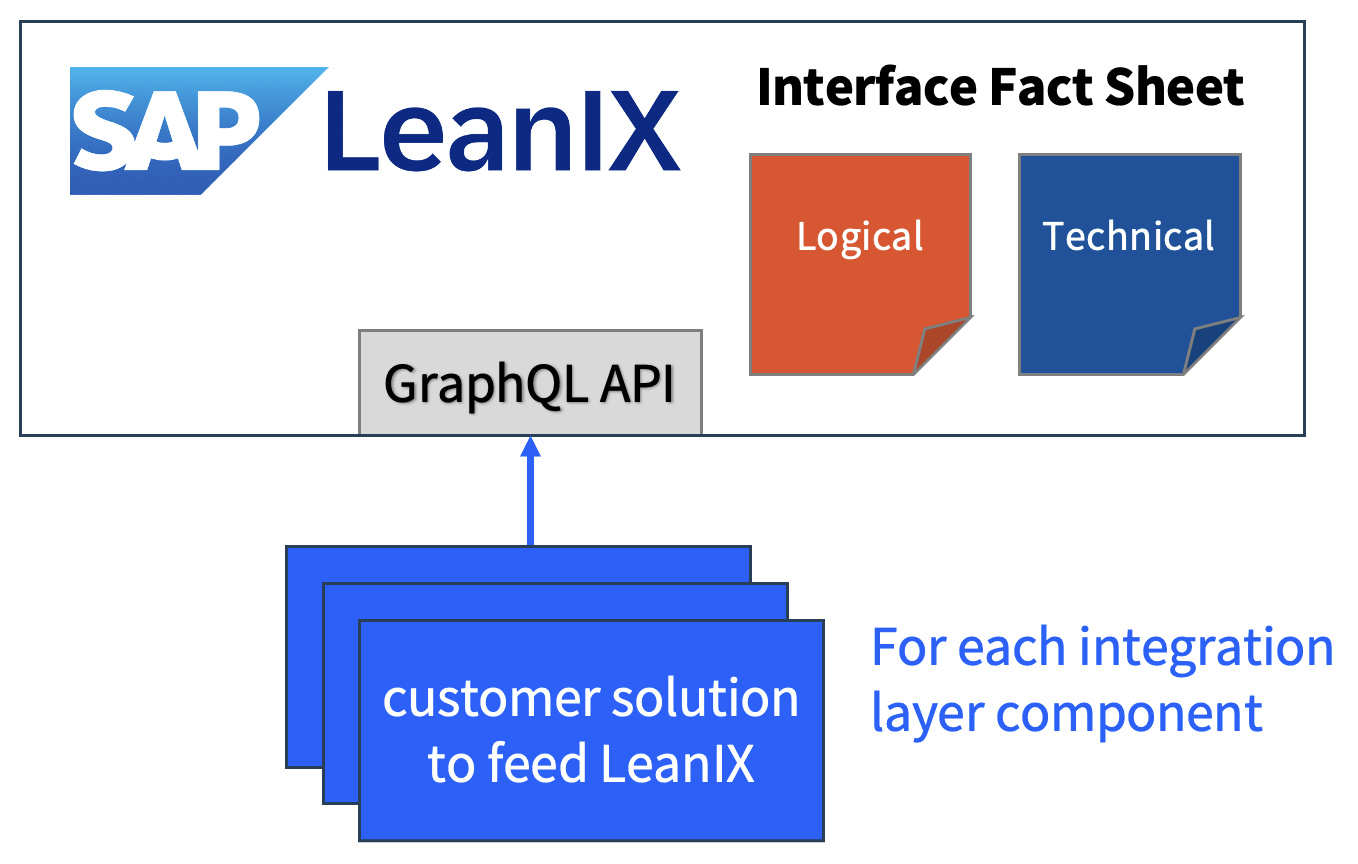
- MAKE: You build your own integration – for each data source (integration layer component you want to connect)
- Any Interface type (Technical/Logical) can be created as you are in full control, however this can be also technical debt after a while
- There are other (mostly older) APIs and integrations available, but GraphQL seems to be very stable and commonly used in the ecosystem
- More information: https://help.sap.com/docs/leanix/ea/graphql-api
4. SAP Cloud Integration: LeanIX Adapter
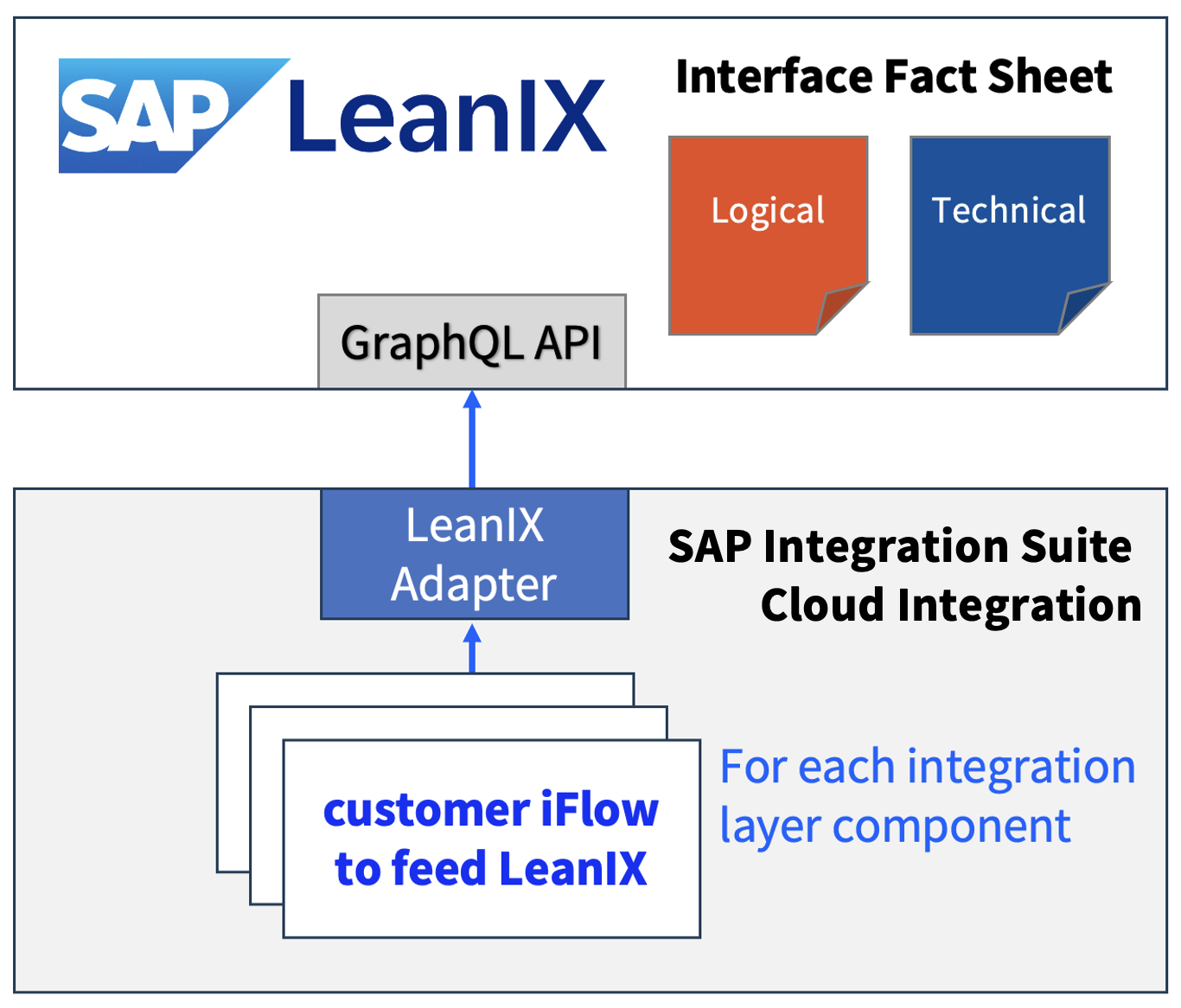
- MAKE: Like (3) but using SAP CPI as a runtime environment: You build your own integration – for each data source (integration component you want to connect). Of course you can also use the GraphQL API directly on SAP CPI without the LeanIX adapter.
- Again, any Interface type (Technical/Logical) can be created as you are in full control and also this can be a technical debt after a while
- More Information: https://api.sap.com/package/LeanIXAdapterforSAPIntegrationSuite/overview
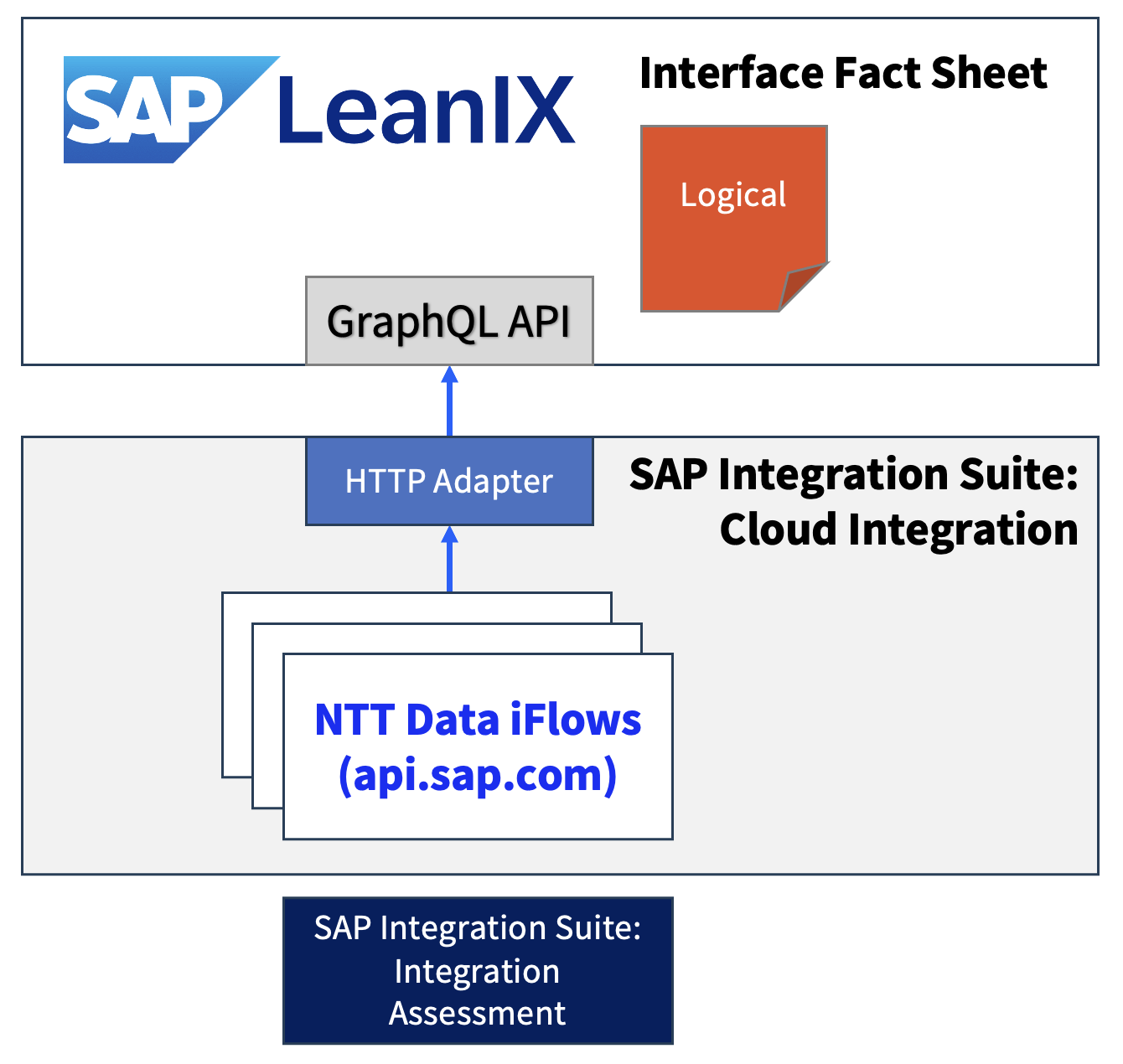
5. SAP Cloud Integration: Standard Content from NTT Data
- BUY (for free): Use standard content provided by NTT Data
- Supports Integration Assessment as part of SAP Integration Suite (INTAS) to create fact sheets in LeanIX from assessment results, but also feeding INTAS from applications and vendors
- It rather feeds logical interfaces into LeanIX as part of the technology decision process and not auto-discovered technical artifacts from integration layer components
- More Information: https://api.sap.com/package/SAPLeanIXIntegrationwithSAPIntegrationSuite/integrationflow
6. SAP Cloud Integration: Standard Content from RealCore
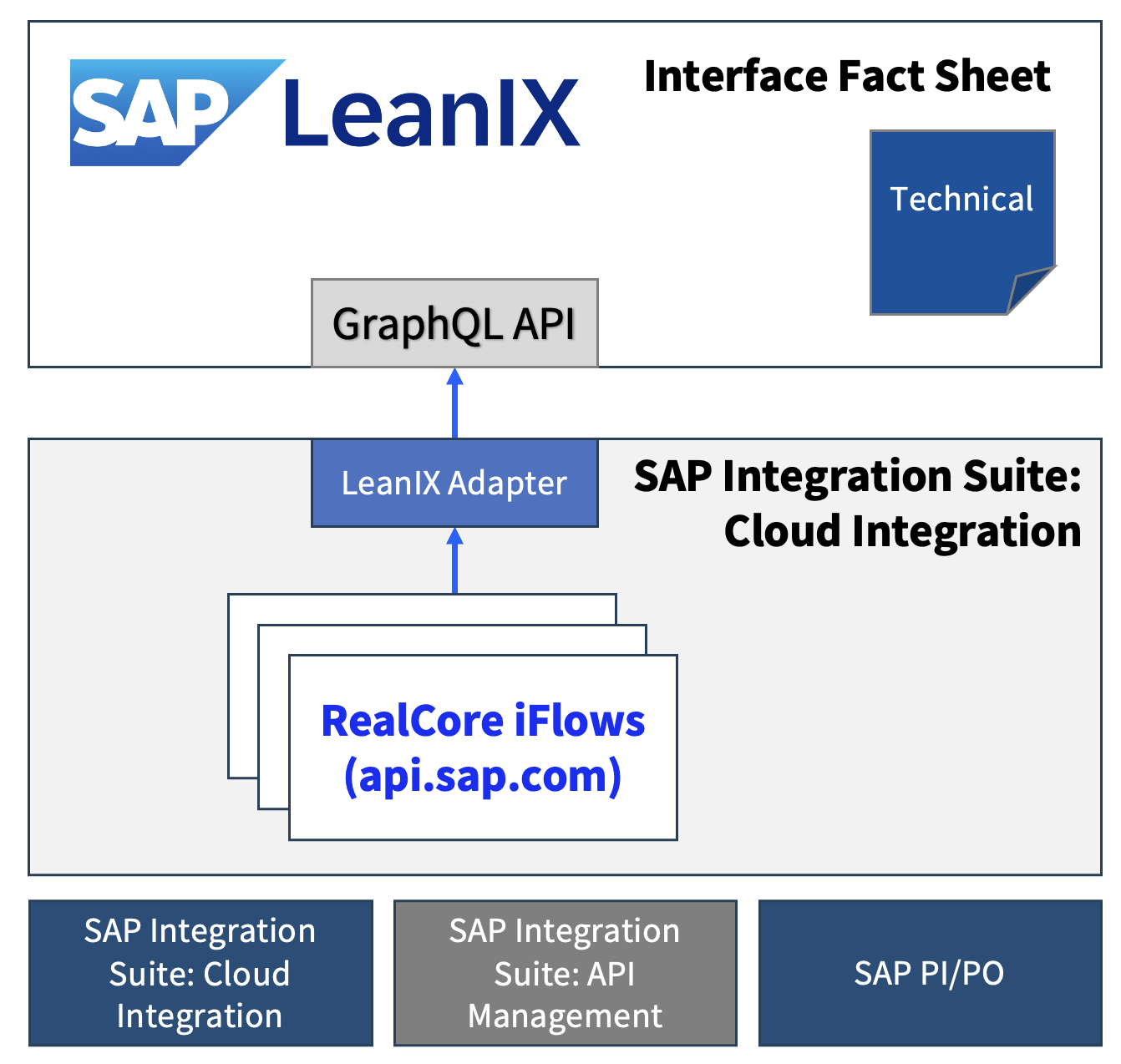
- BUY (for free): Use standard content provided by RealCore
- Supports Cloud Integration and API Management as part of SAP Integration Suite and SAP Process Orchestration to create fact sheets in LeanIX for each technical interface object
- It creates technical interfaces for each technical artifact, such as Integration Flow (CPI), API Proxy (API-M) or Integrated Configuration (PI/PO)
- More Information: https://api.sap.com/package/LeanIXAdapterforSAPIntegrationSuite/overview
7. SAP Cloud ALM
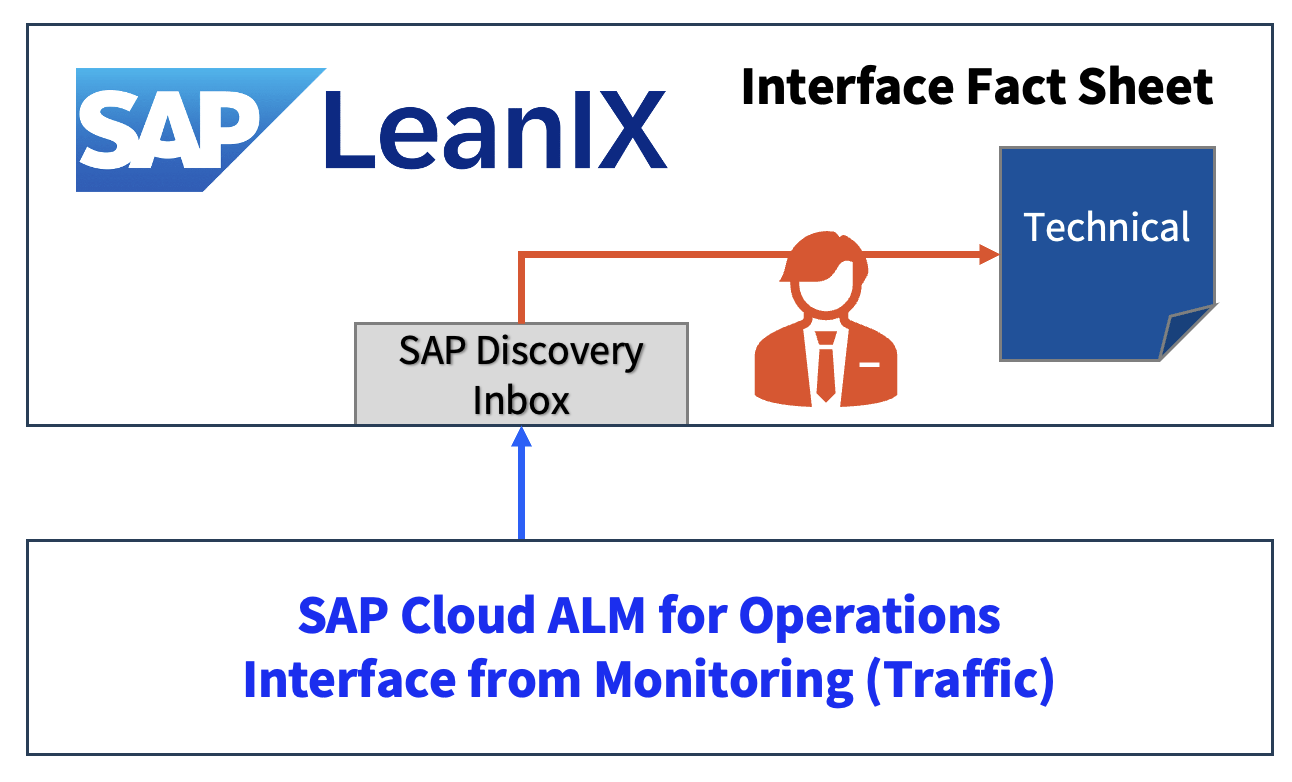
- Based on monitoring data (traffic), technical interfaces can be auto-discovered into LeanIX. They are listed in the SAP Discovery Inbox and can be used in a manual process to create Interface Fact sheets with a few clicks. Different interface technologies are supported, e.g. IDocs, SAP Cloud Integration Flows, File exchange, RFC.
- More information: https://updates.leanix.net/announcements/discover-integration-flows-between-your-sap-systems
8. LeanIX MCP Server
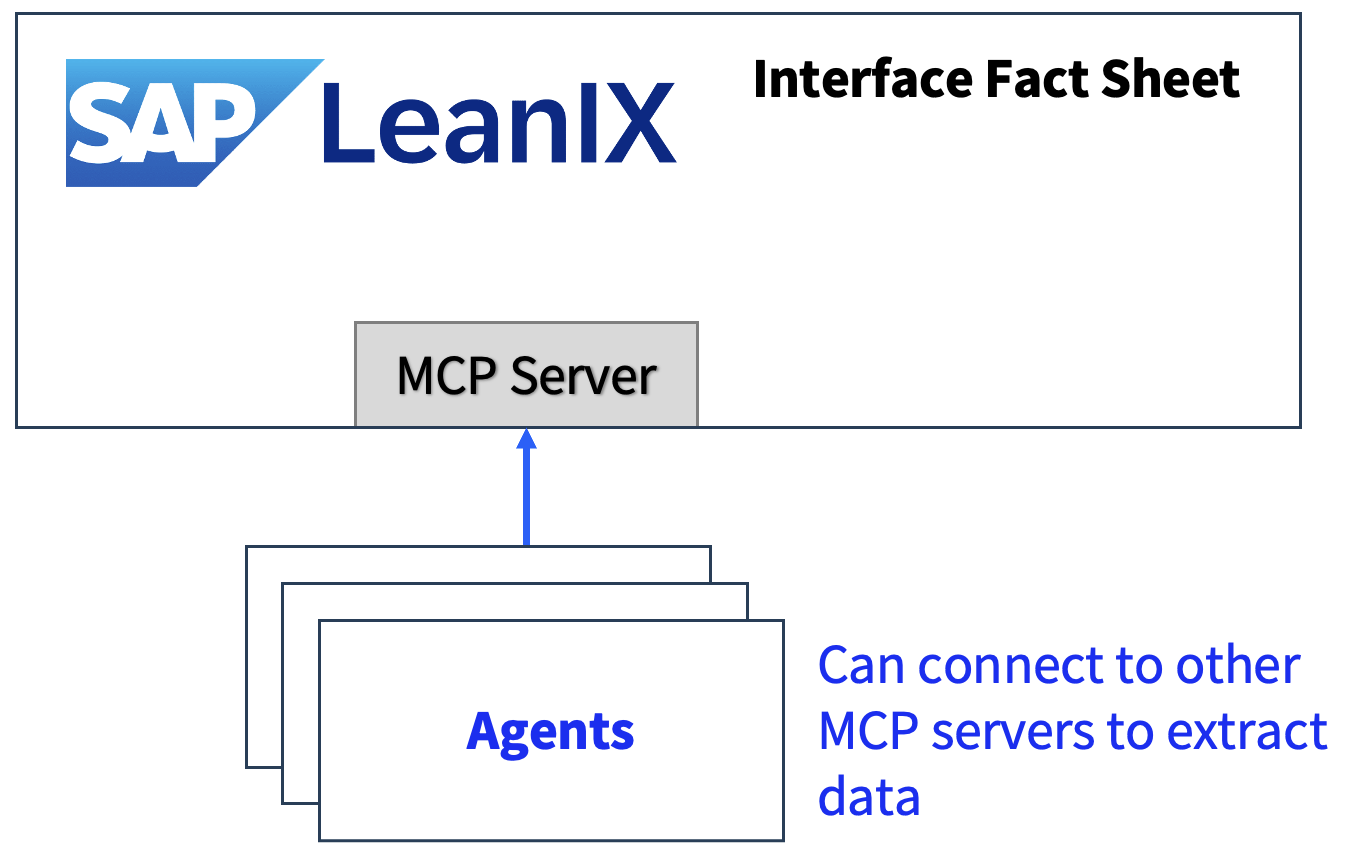
- Using the MCP server of SAP LeanIX so far you can only retrieve information from LeanIX (query/read), but a create/update fact sheet tool will probably follow soon
- More information: https://help.sap.com/docs/leanix/ea/mcp-server
9. WHINT Integration Cockpit
- The Integration Cockpit acts as a hub and auto-discovers Technical Interfaces and chains them into End-to-End Integrations (Logical Interfaces). There are automations available to extract properties and to tag interfaces. Also manual enrichments are possible. A governance process can be established to track the completeness of interfaces and End-to-End Integrations
- Applications are imported and assigned to interfaces in transformation rules (regex). Multiple data sources are available, not only from SAP.
- More Information: https://whint.co/integration-cockpit
Summary: A comparison based on the criterias Automation, Granularity, and supported Data Sources.
| Option | Automation & Granularity | Supported Data Sources |
|---|---|---|
| 1. Manual Entry | manual (logical) | n/a – no integration used |
| 2. Bulk Import | semi-automated (technical) | n/a – no integration used |
| 3. GraphQL API | automated (logical/technical) | MAKE: whatever you program |
| 4. LeanIX Adapter | automated (logical/technical) | MAKE: whatever you program |
| 5. Standard Content: NTT Data | automated (logical only) | SAP IS: Integration Assessment |
| 6. Standard Content: RealCore | automated (technical only) | SAP IS: Cloud Integration SAP IS: API Management SAP Process Orchestration |
| 7. SAP Cloud ALM | semi-automated (technical only) | Monitored SAP-Systems |
| 8. LeanIX MCP Server | automated (logical/technical) | Create not possible yet, potentially various data sources in future |
| 9. WHINT Integration Cockpit | automated (logical & technical) | Multiple: SAP and Non-SAP Integration Layer Components |
Take away: You might want to consider Automation / Granularity / Make or Buy as decision factors.
- Options 1 & 2 come with high manual effort and operational costs.
- Options 3 & 4 come with build costs (and technical debt – who will maintain this in the long run?)
- Options 5 & 6 are based on free standard content, but what if there are no updates (API changes, additional features)? Are you ready to internalize them and build that technical debt (as in options 3/4)? Also, the solutions might be not completely covering your tech stack.
- Options 7 & 8 are SAP standard solutions. You can expect updates and a real enterprise grade solution. However, option 7 might not match your lifecycle/workflow and you still have to build a logical interface view on top manually… Option 8 is not ready yet, but can be an interesting option in the future.
- Option 9 is a ready-to-use option and comes with a yearly subscription (available in SAP Store*). It covers both technical and logical interfaces and comes with a rich set of data sources. Core elements are automation and deep integration capabilities with the LeanIX data model. At the center of the integration is the use of external ids which can be extracted with regex rules from various locations of each interface configuration.
