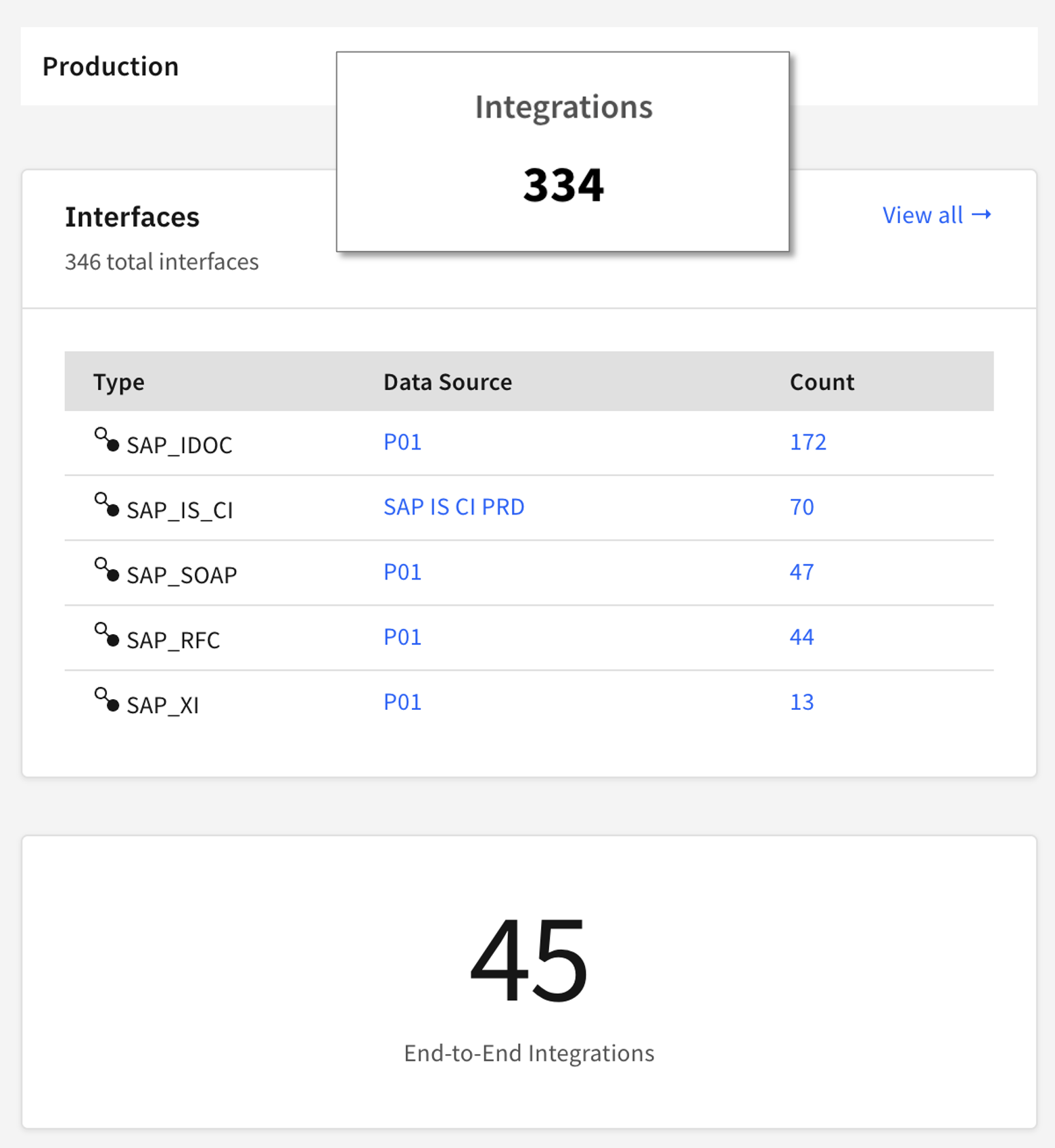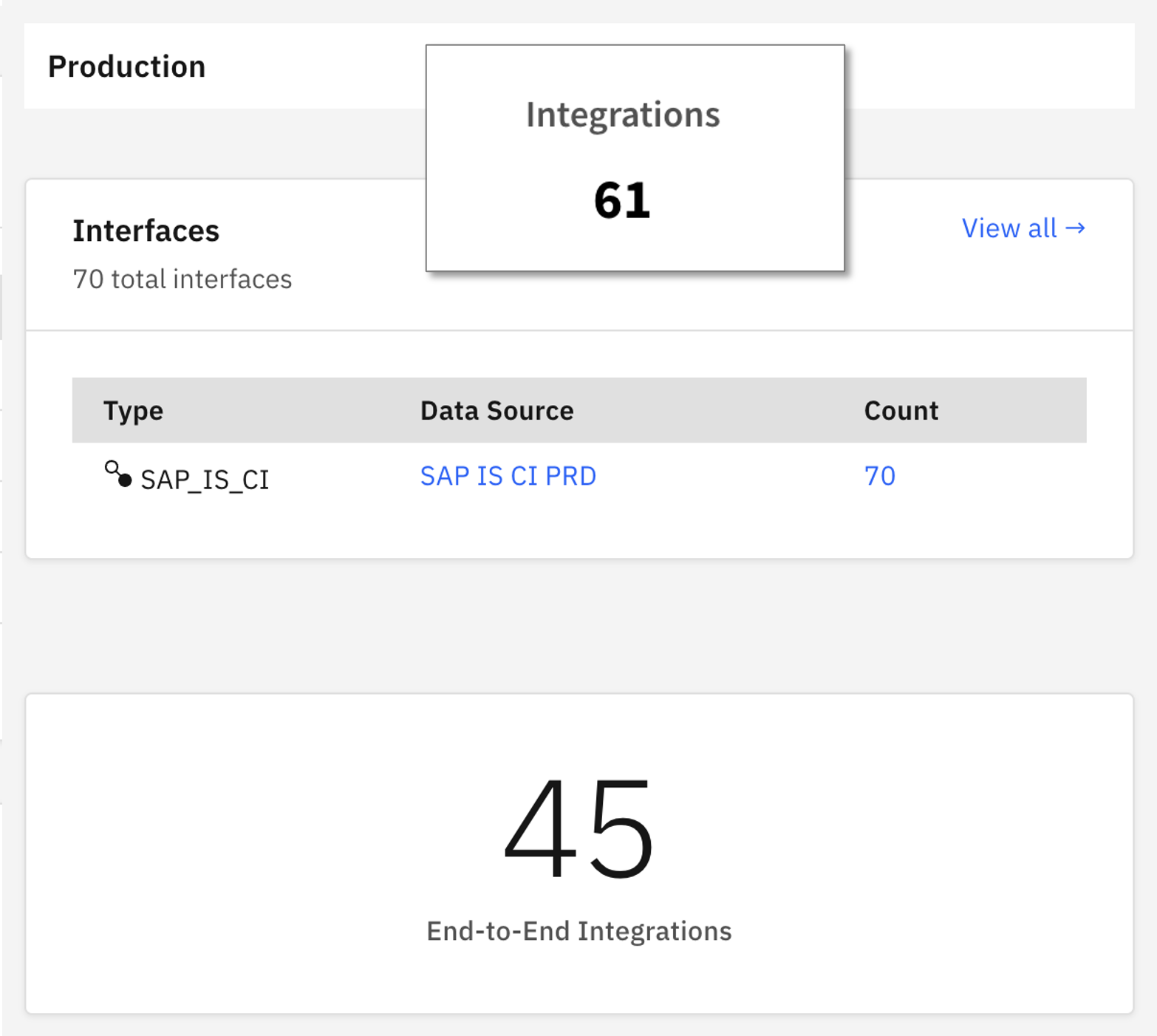
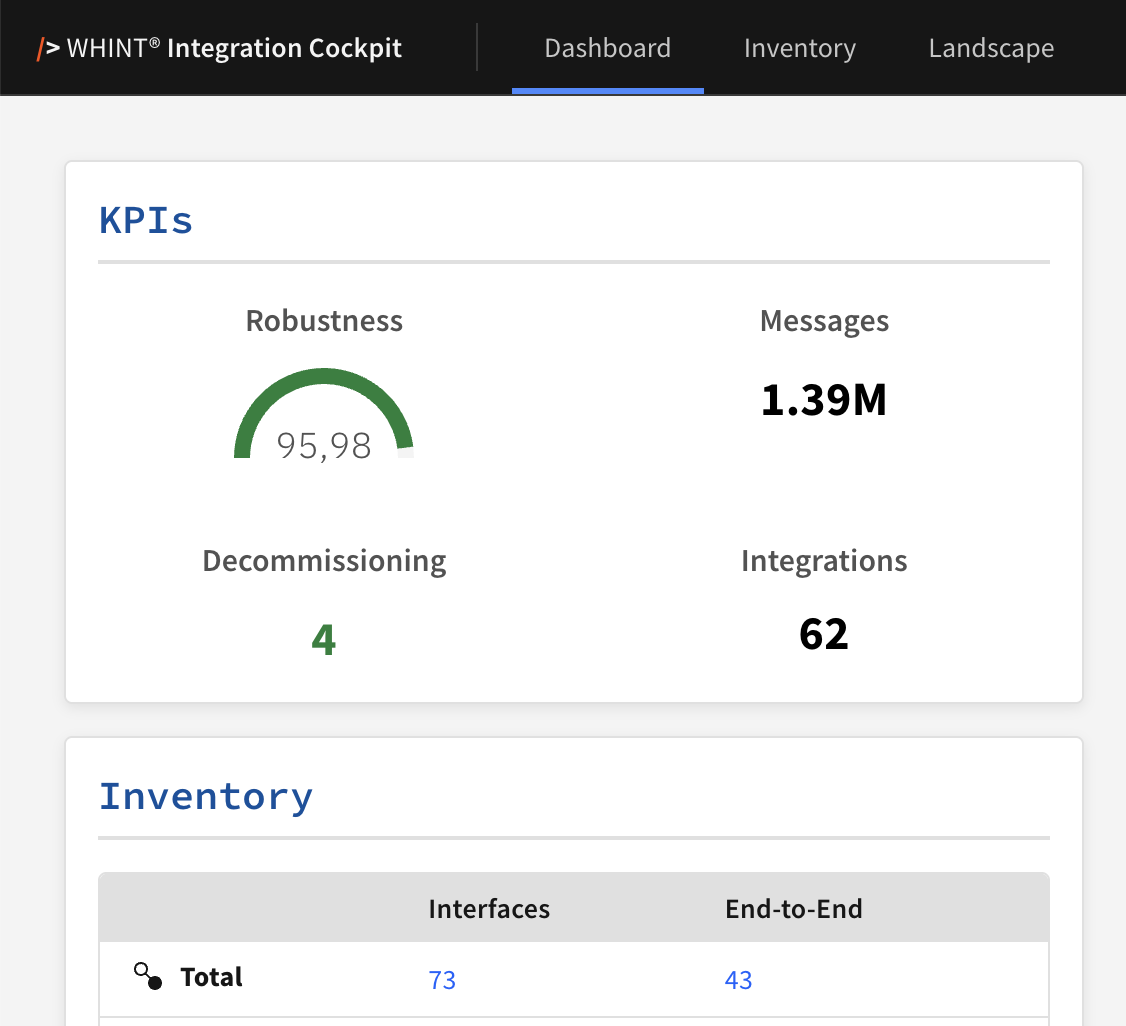
The KPI Integrations shows the complexity of your integration landscape. It is a number as a sum of all End-to-End Integrations PLUS all Interfaces which are NOT assigned to an End-to-End Integration.
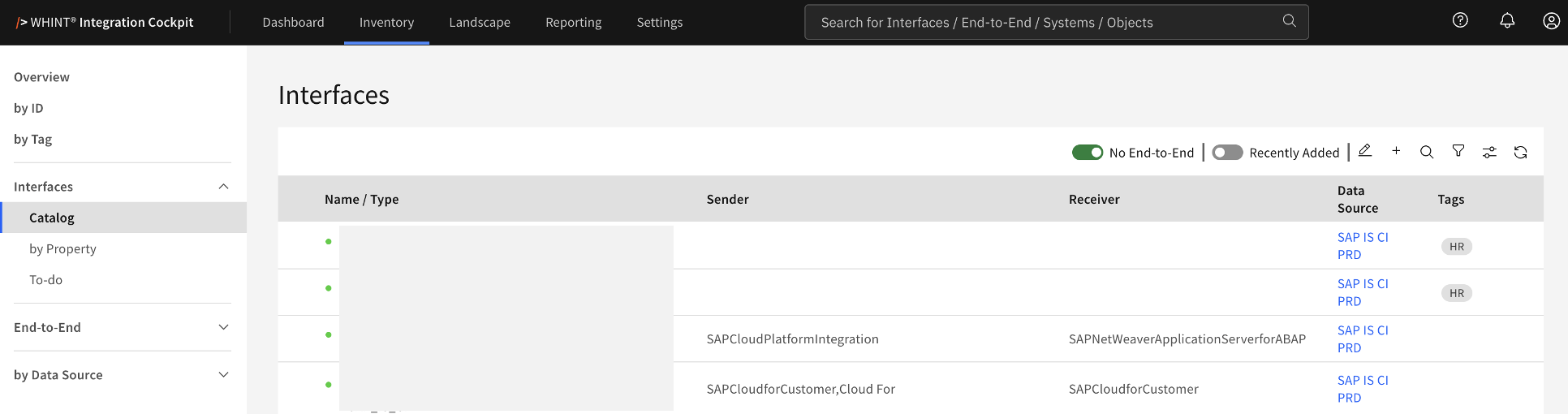

Over time, the goal is to have all Interfaces as part of (or equal to) an End-To-End Integration.
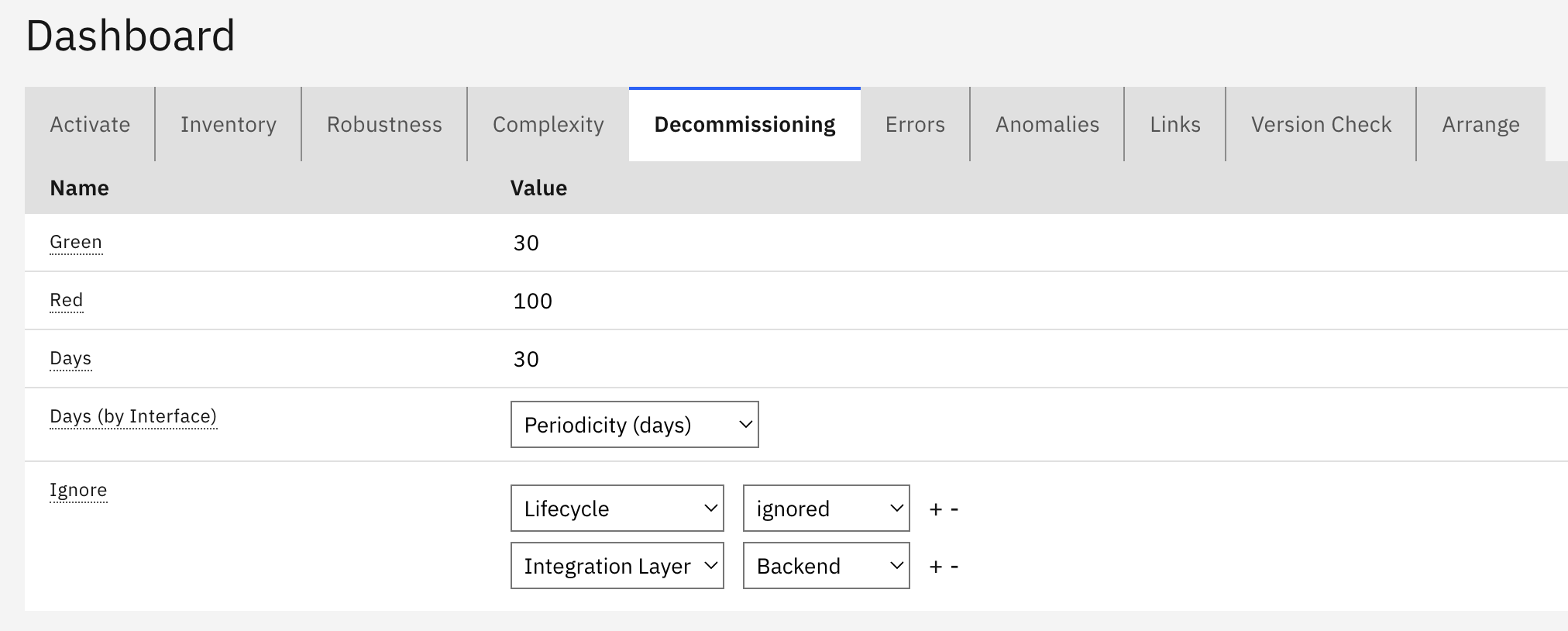
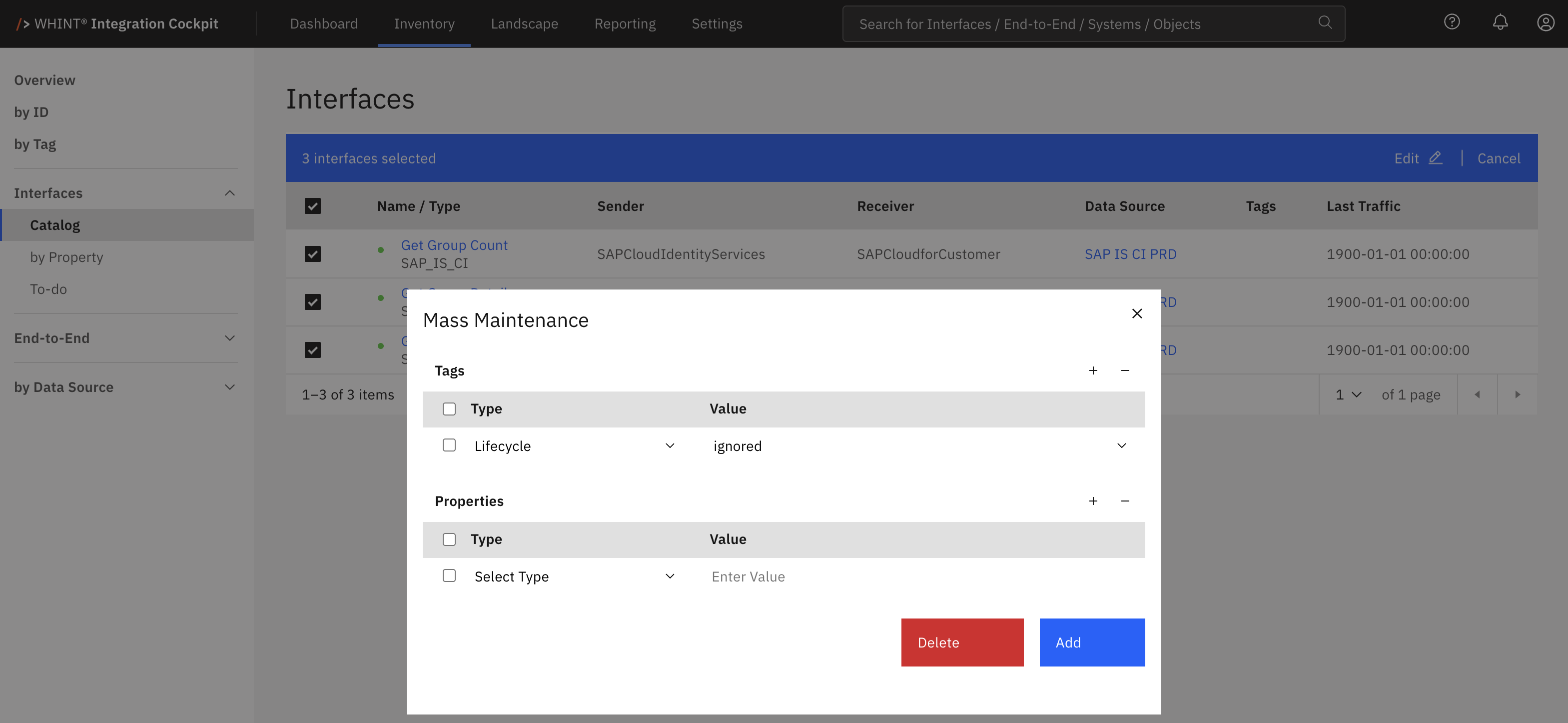
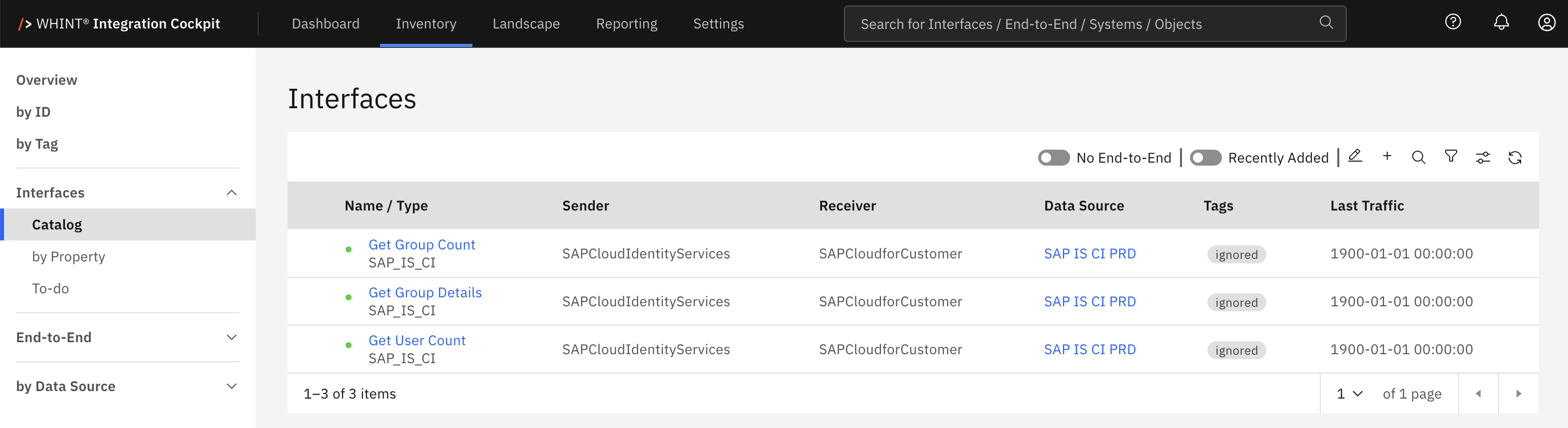
During Auto-Discovery we also identify interfaces without traffic, which can be candidates for decommissioning. If we can not decommission them at the source (so they would disappear from the Integration Cockpit), we can tag them accordingly so they are excluded from the overview dashboard and from the Interface count and Integrations KPI.
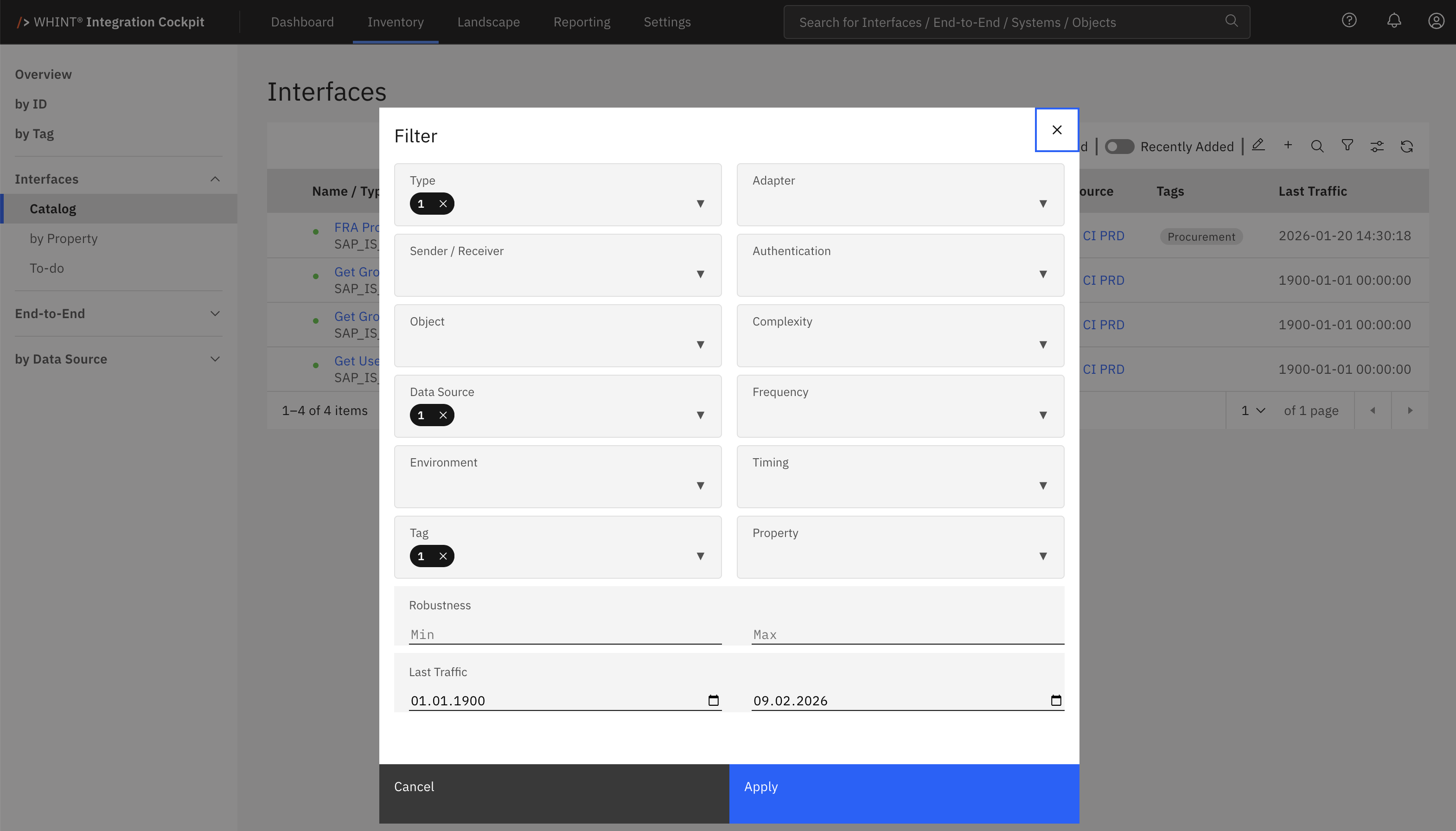
Interfaces without traffic can be selected and mass-tagged:
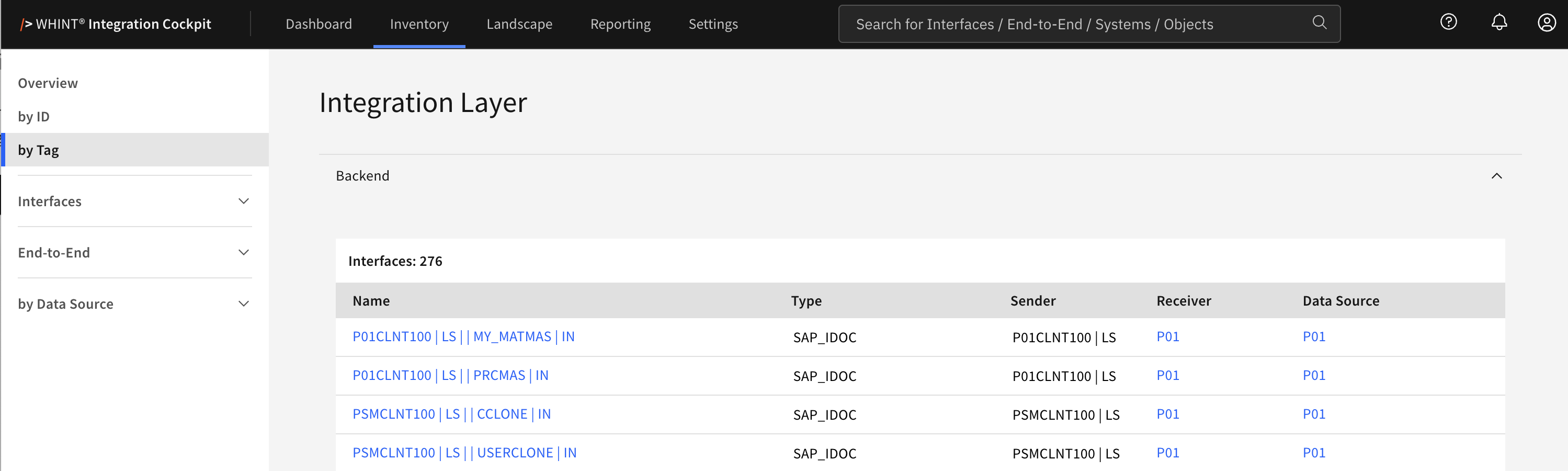
During Auto-Discovery we also identify interfaces from applications (backends, SAP_ABAP for now). Those might be used in End-to-End Integrations along with other Integration Layer components, but they can also act as End-to-End Integrations themselves (e.g. an SAP_RFC interface which is consuming a service in the internet directly or an SAP_ODATA API consumed directly by an application).
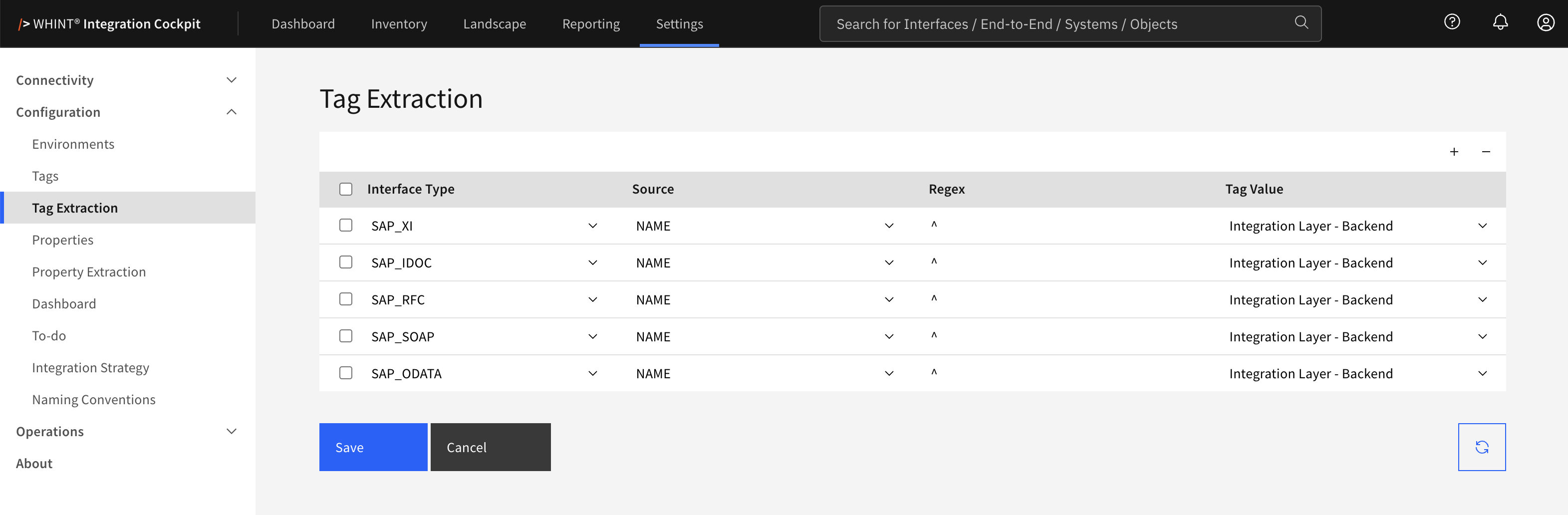
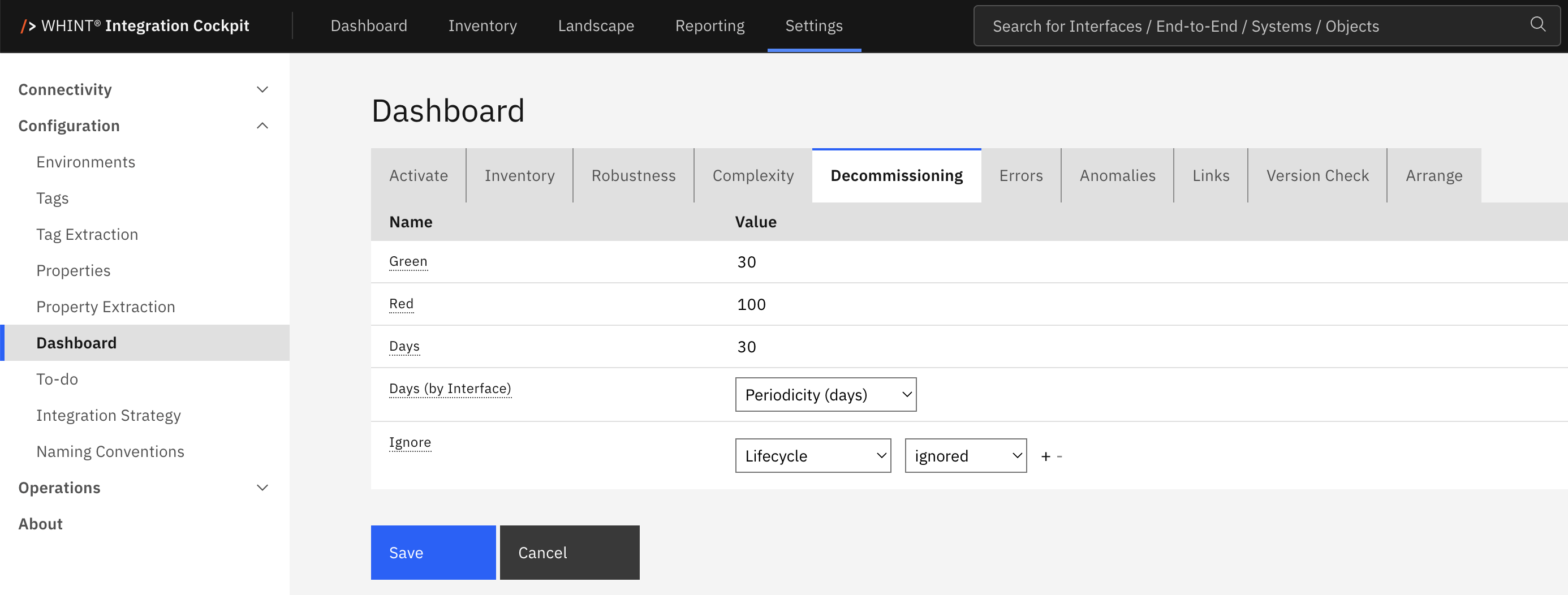
You can use auto-tagging to classify the interface types and also use the tag value you want to exclude via decommissioning:
Before tagging and excluding the Interface overview looks like this: