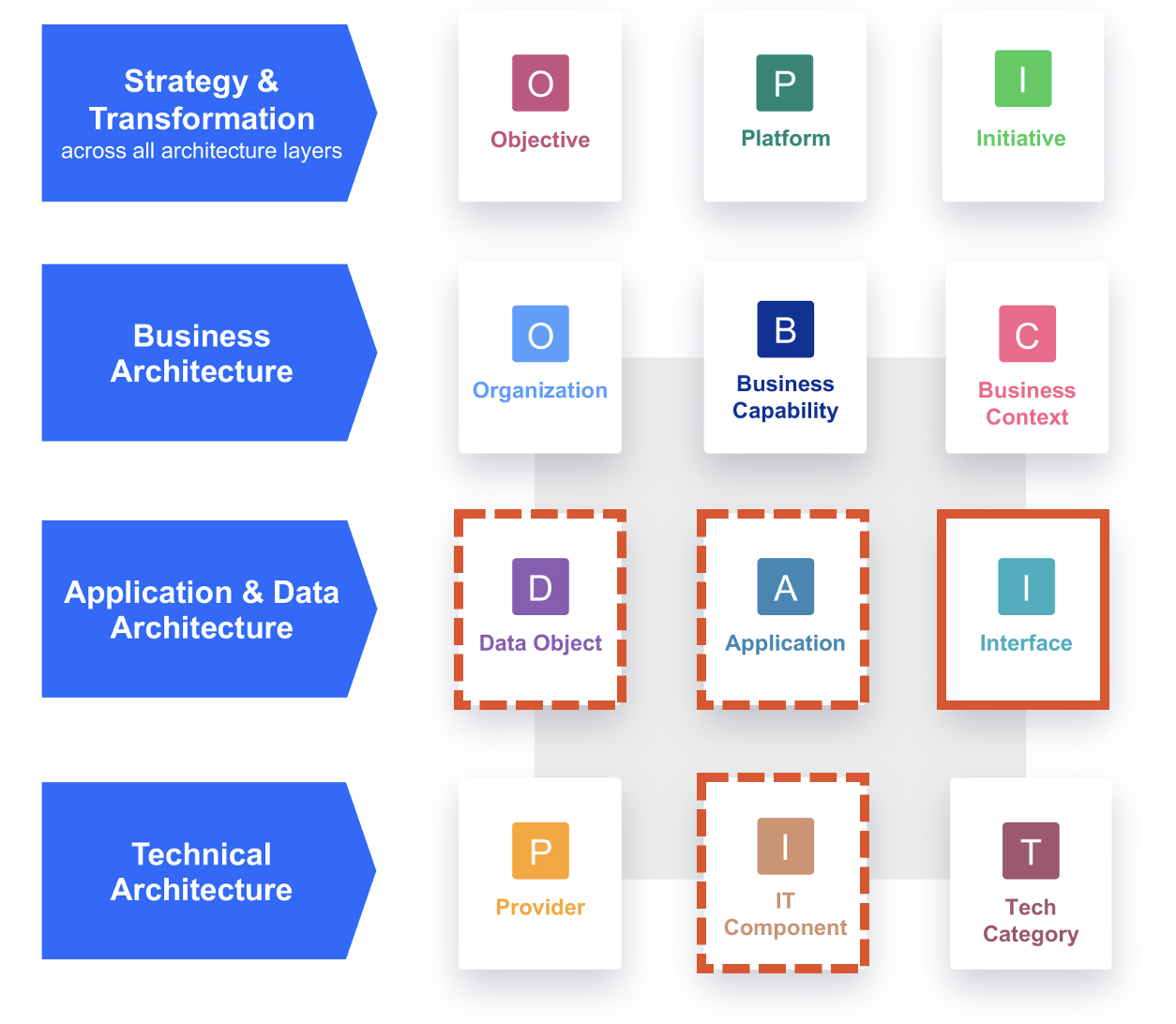
The Integration Cockpit is able to read applications, data objects and interfaces from SAP LeanIX. As part of our EAM-Integration feature, the Inventory shows all Interface Fact sheets in the Integration Cockpit and (more importantly) all discovered (or manually created) interfaces can be created or updated from the Integration Cockpit into SAP LeanIX.
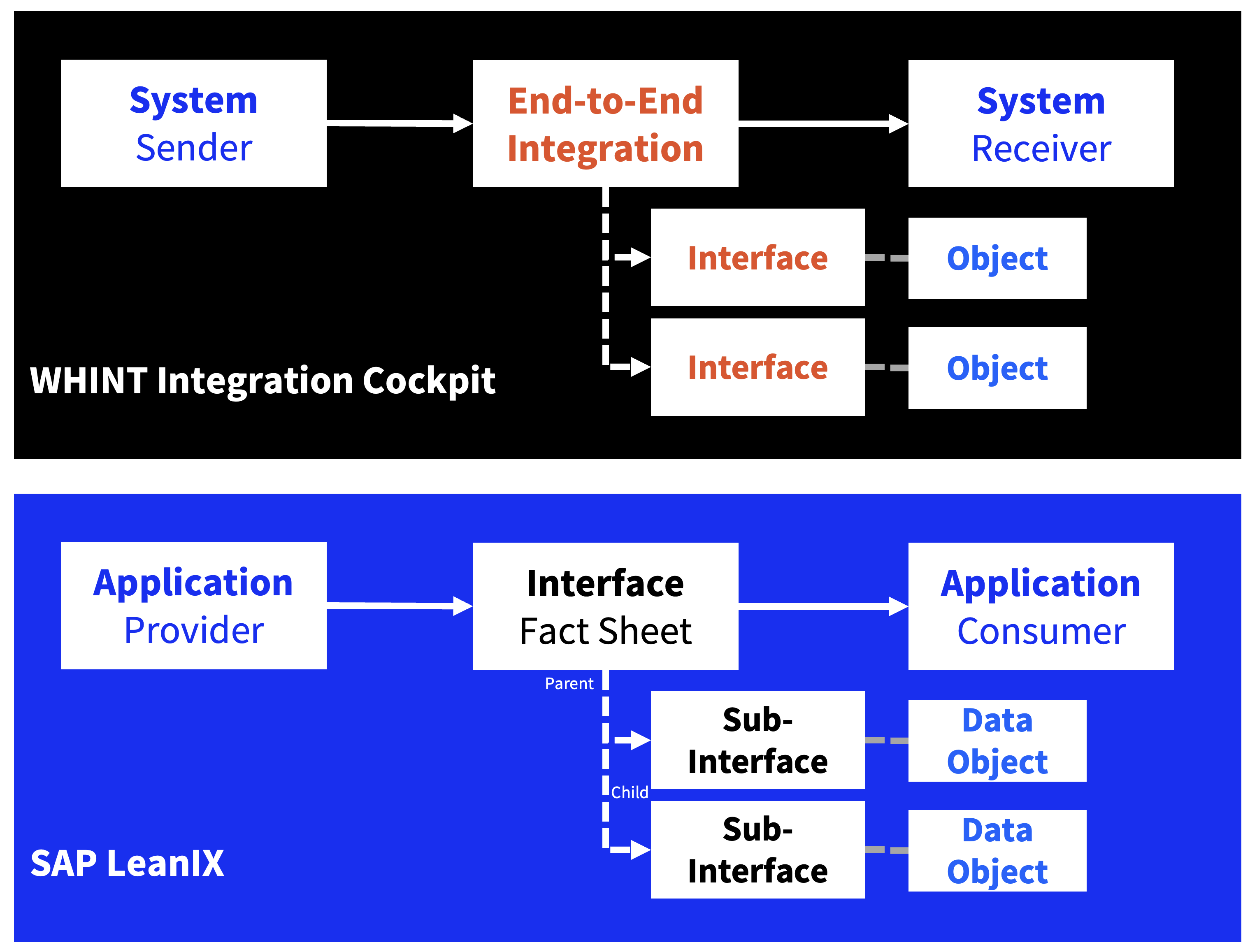
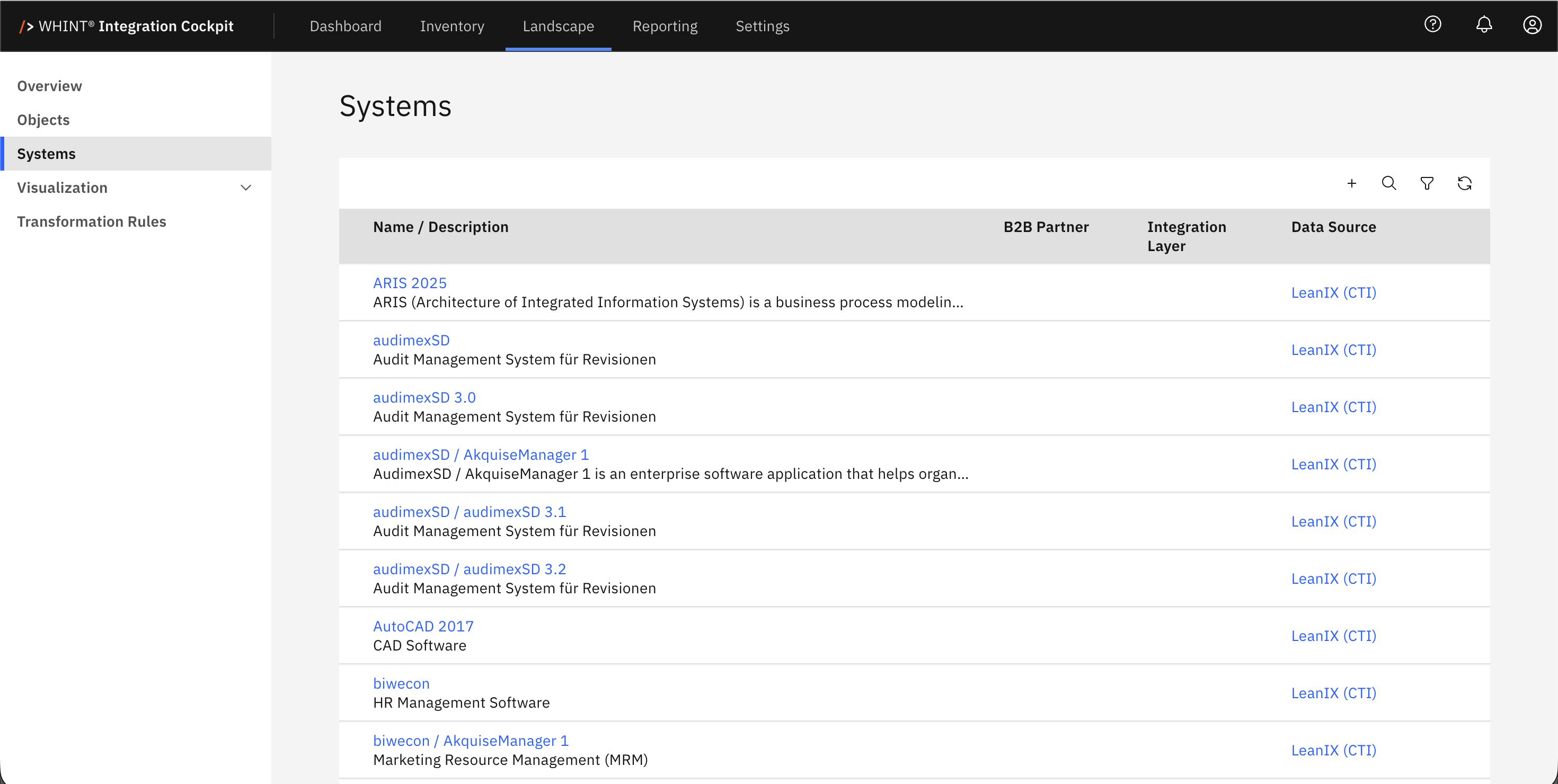
- Application Fact Sheets are imported as Systems into Landscape
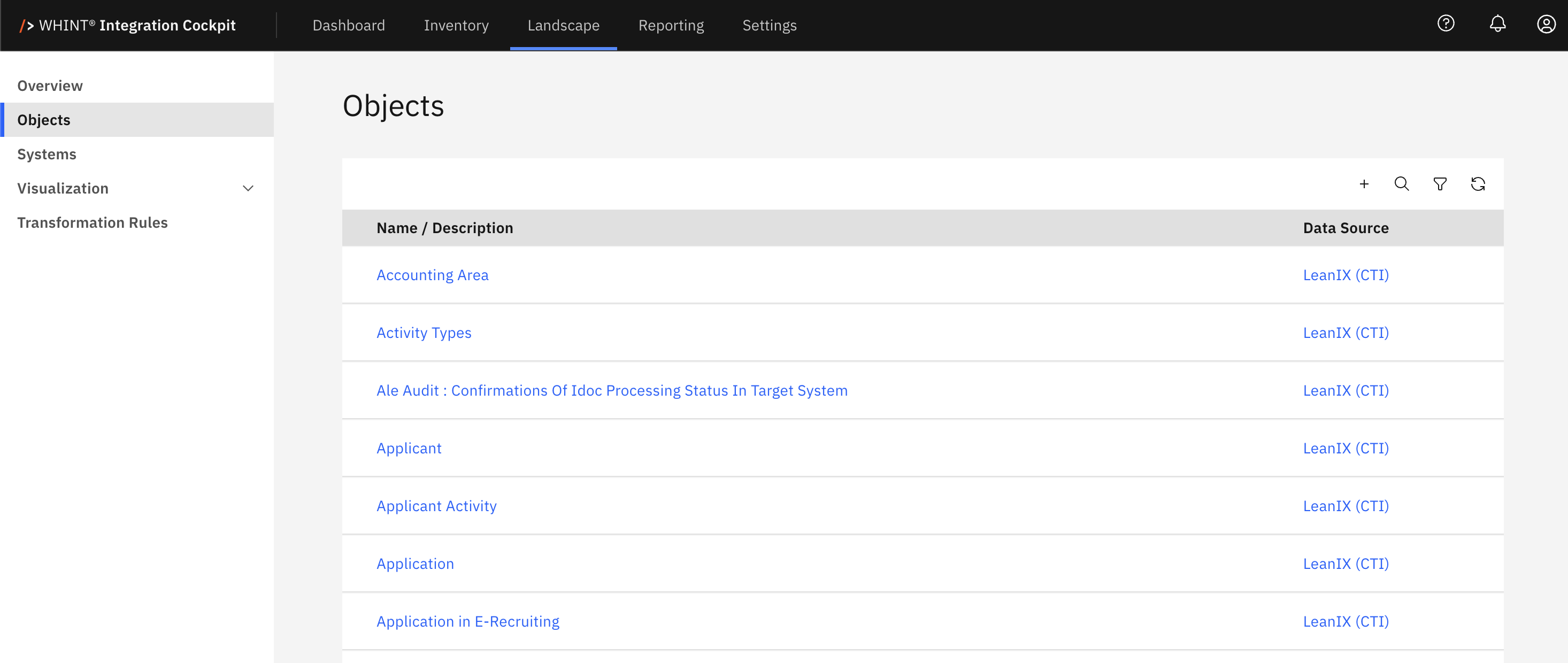
- Data Object Fact Sheets are imported as Objects into Landscape
- Interface Fact Sheets are imported as Interfaces (type EAM) into Inventory
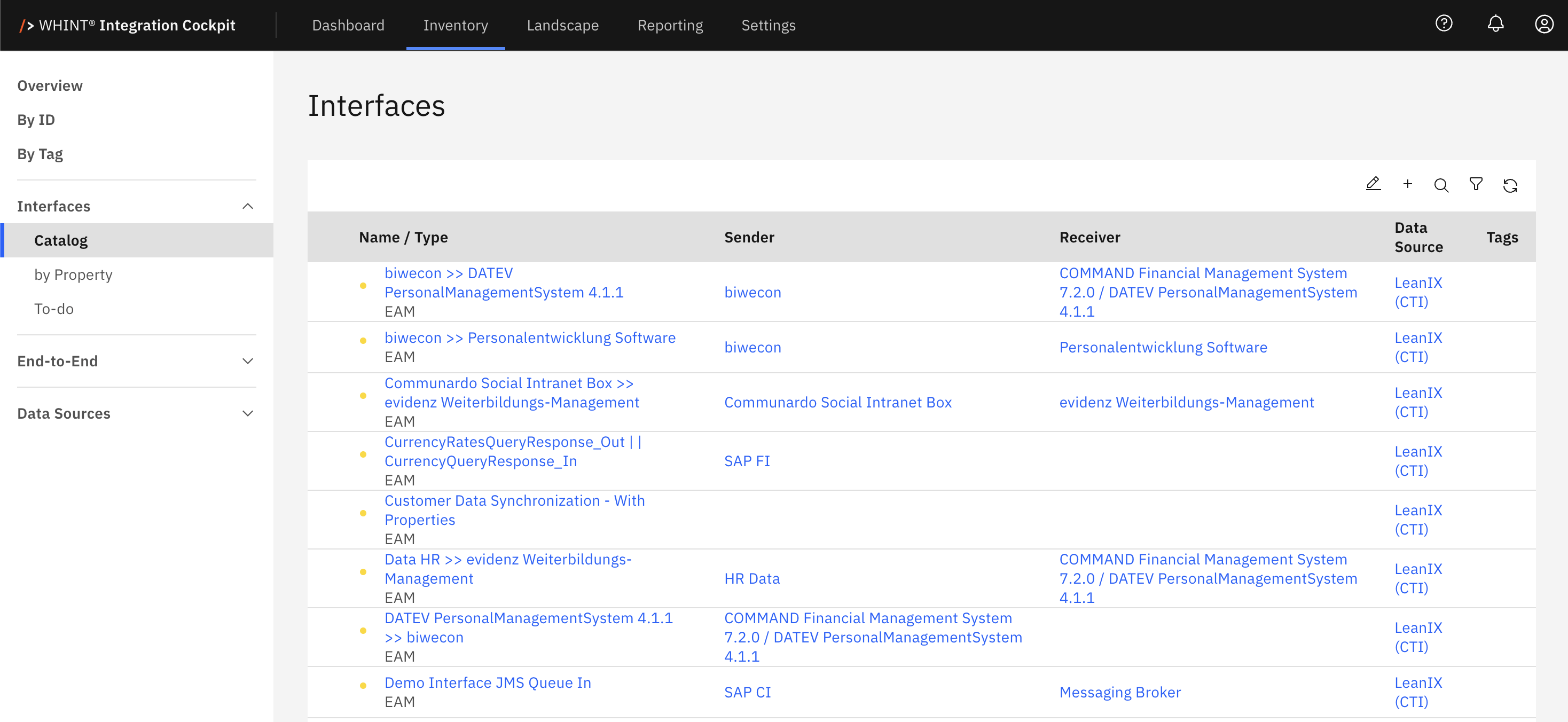
We clearly recommend to create/sync End-to-End Integrations into LeanIX, although you can also sync (technical, auto-discovered) Interfaces. However the granularity required in EAM is rather relevant on a higher (logical/business-oriented) perspective which is the E2E-Integration:
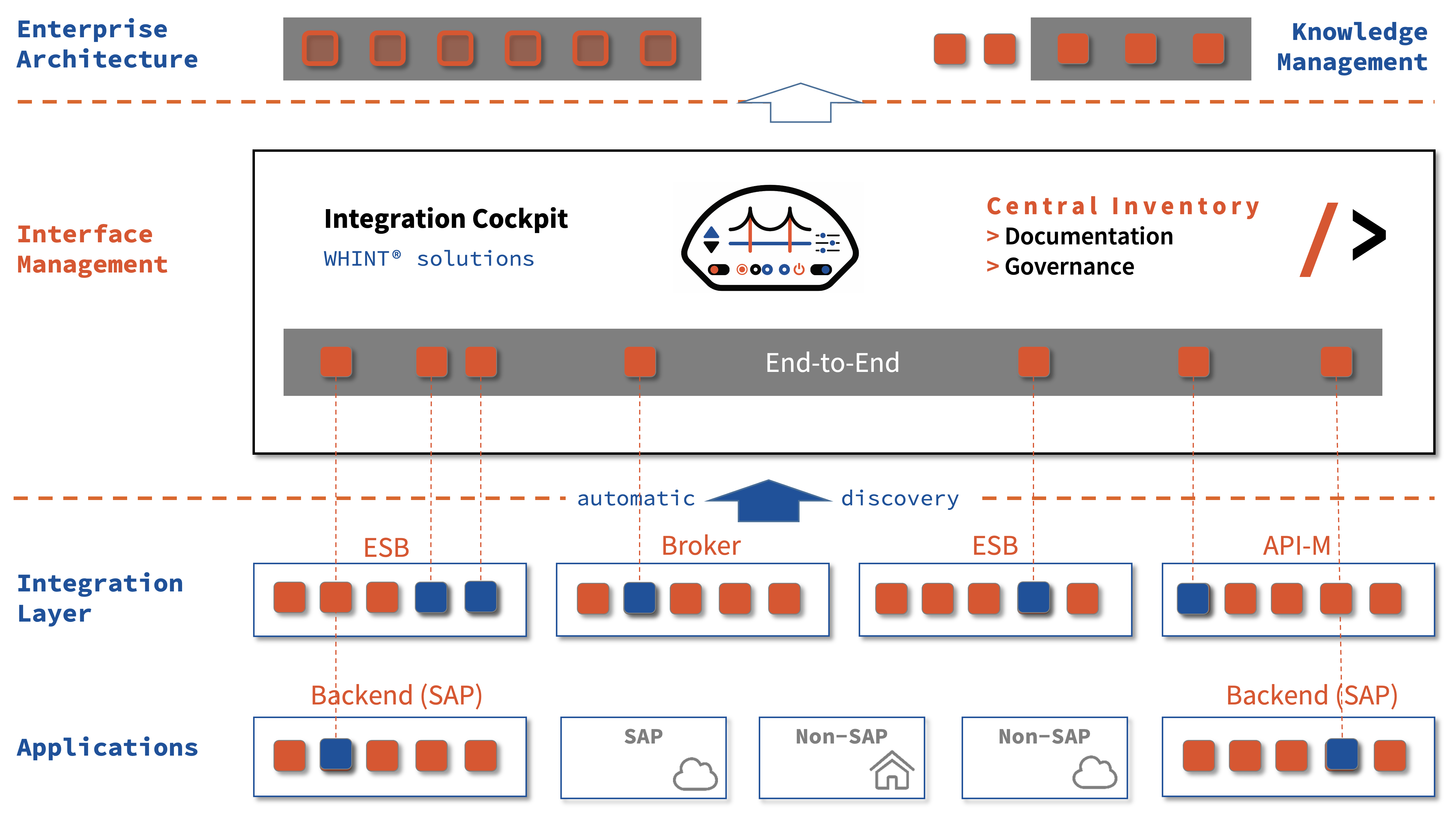
When updating LeanIX from the Integration Cockpit, (only) Interface Fact Sheets are updated or created. IT Components, Data Objects and Applications (Provider/Consumer) are assigned to each Interface:
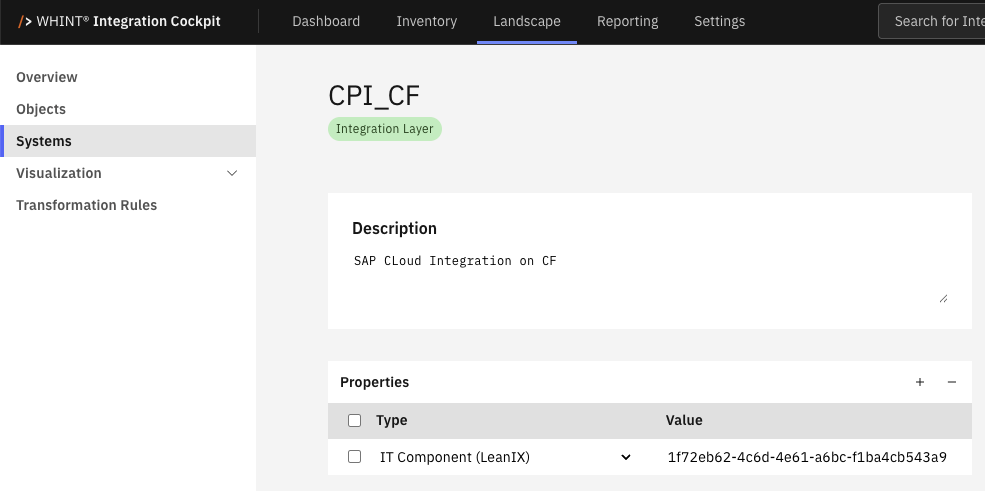
- IT Components from Data Source (you have to maintain the id of the IT-Component for each data source, see HowTo guide below)
- Data Objects from Interfaces Only; If an End-to-End Integration is replicated, all Data Objects of the related interfaces are being assigned
- Applications: Provider Application from Sender, Consumer Application from Receiver
- The URL to the inventory item in the Integration Cockpit is assigned via Resources
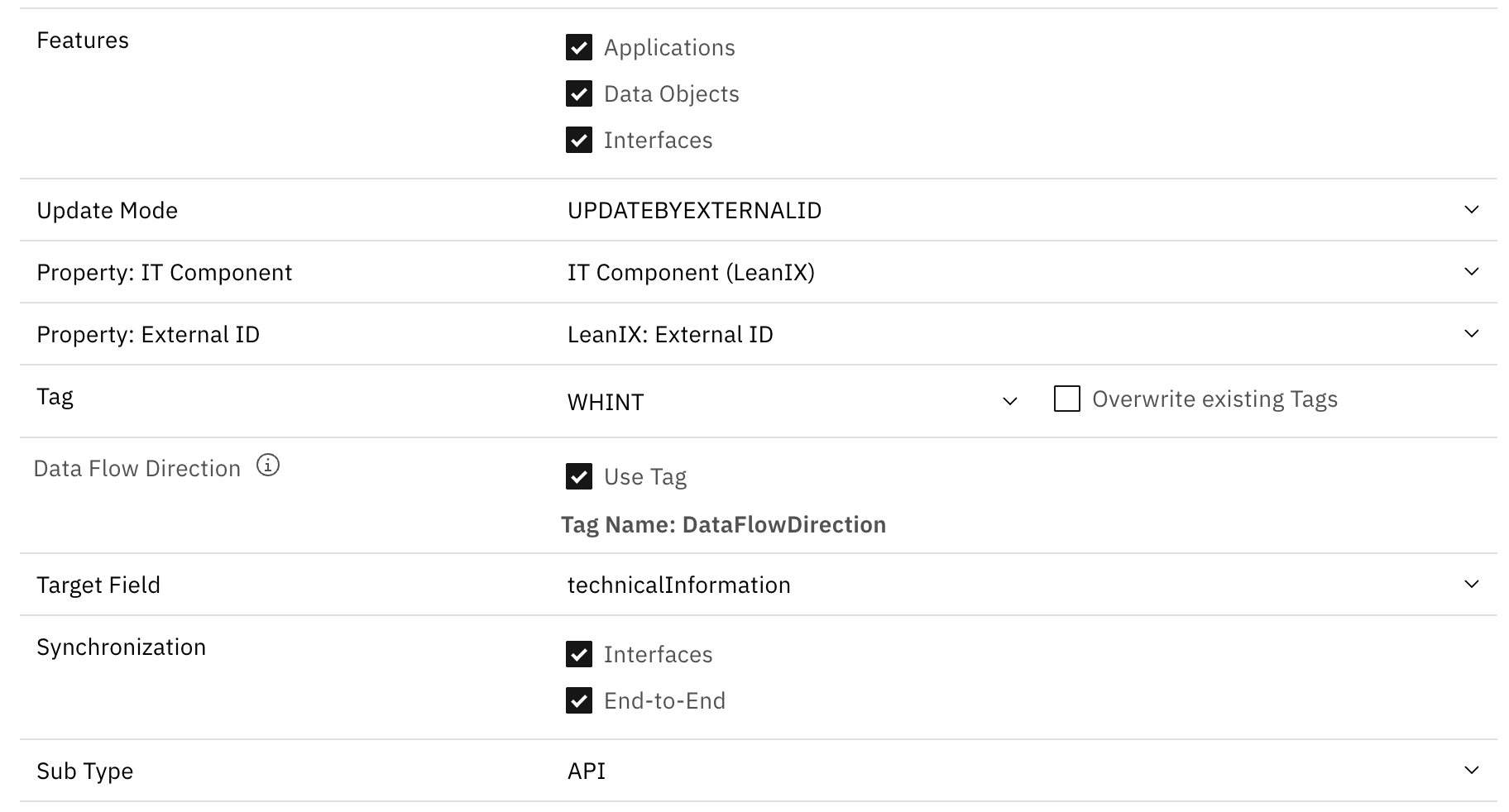
- Each Interface Fact Sheet can be tagged (e.g. “from IC”, “auto-discovered”, “WHINT”, …) based on your configuration
- Additional information from each Interface / End-to-End Integration can be copied into a custom field (e.g. “Technical Information“) where you receive all metadata, properties and tags
- You can select if interfaces are created as Sub-Interfaces (and which type) – or not
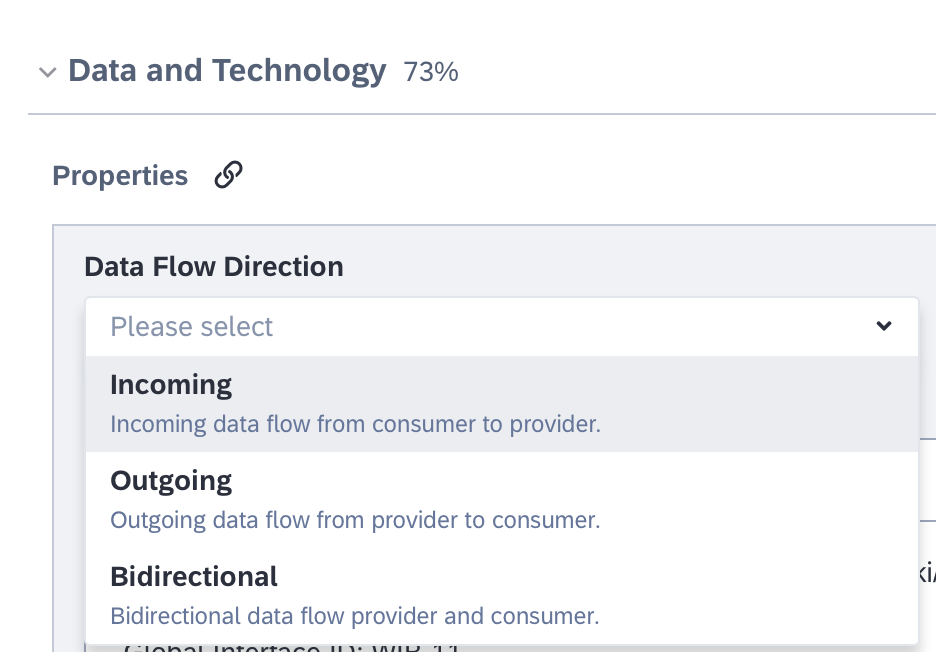
- You can set the Data Flow Direction (automatically or by selecting a Tag which is generated). Default setting
- Outgoing (from provider to consumer = Sender -> Receiver)
- Bidirectional (if an API proxy is involved)
The decision factor whether Interfaces or End-to-End Integrations are being replicated is by the presence of an (External) ID, which is managed as a property in the Integration Cockpit.
Please note, that the replication works by Environment only, e.g. Production Interface Fact Sheets are being replicated to your Production LeanIX instance only.
Appendix: How to assign an IT-Component to a Data Source
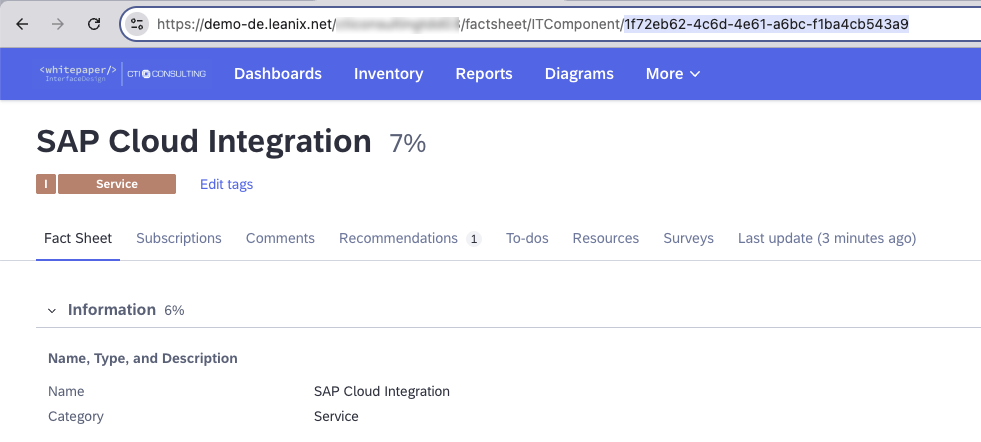
1. Open IT Component and determine technical ID
2. Add Property (type System) and assign to LeanIX Data Source
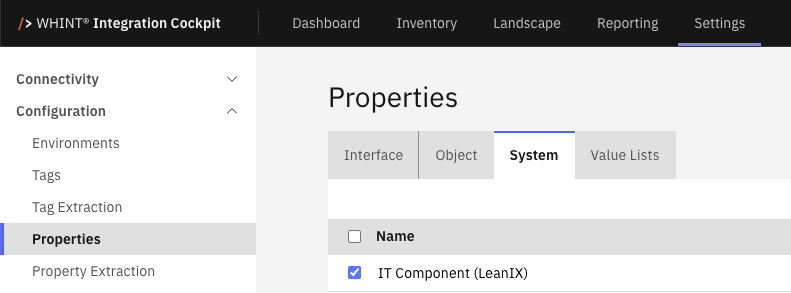
3. Access Data Source (e.g. SAP Cloud Integration) and Maintain ID of IT Component in System Property